Your data
Your records.
Your account.
Plain answers about your data. Each one links to the full notice.
Read your guide free. No account or card needed.
What you add.
- Your email, for your account.
- Food, weight, notes and any targets you choose.
- A few optional details, like age and height, for a calorie-burn estimate.
- Your saved plan answers, including any GLP-1 answer.
- Your name, time zone, the days you mark complete, and weekly reviews.
We ask first.
- We ask before saving any health record.
- Your guide answers stay in your browser until you save them.
- Signing up doesn’t sign you up for marketing.
Where it goes.
- Saved to your own account.
- Subjective is operated by Centurion Movement, LLC.
- Subjective and Centurion share one account and health-record service.
- Centurion is another service that uses this account.
Have a Centurion account? Signing in can show your existing records in Subjective.
- Amazon Web Services and Vercel run the service.
When you choose Estimate food, your description is sent to OpenAI to estimate nutrition. Review the result before saving. You can enter food manually instead.
- The full notice lists the providers.
What we don’t do.
- We don’t sell your data or use it for ads.
- No ad pixels. No ad networks.
- No employer, health plan or advertiser gets a view into your account.
The current companion does not give a clinician, employer, health plan, advertiser, or affiliate a dashboard into your account.
Optional analytics.
- Optional analytics stay off unless you turn them on.
- Analytics never see what you type or your health values.
- The features you use can still show you use a health service.
- Download or erase your usage records yourself.
- Find the Optional analytics button at the foot of this page.
Take a copy.
Keep it personal.
- Turn any week into a summary you can print.
- You choose what goes in. Nothing is sent automatically.
- Medication stays out of your summary unless you add it.
- Download your food, weight and notes as a file you keep.
- Your guide prints with its sources.
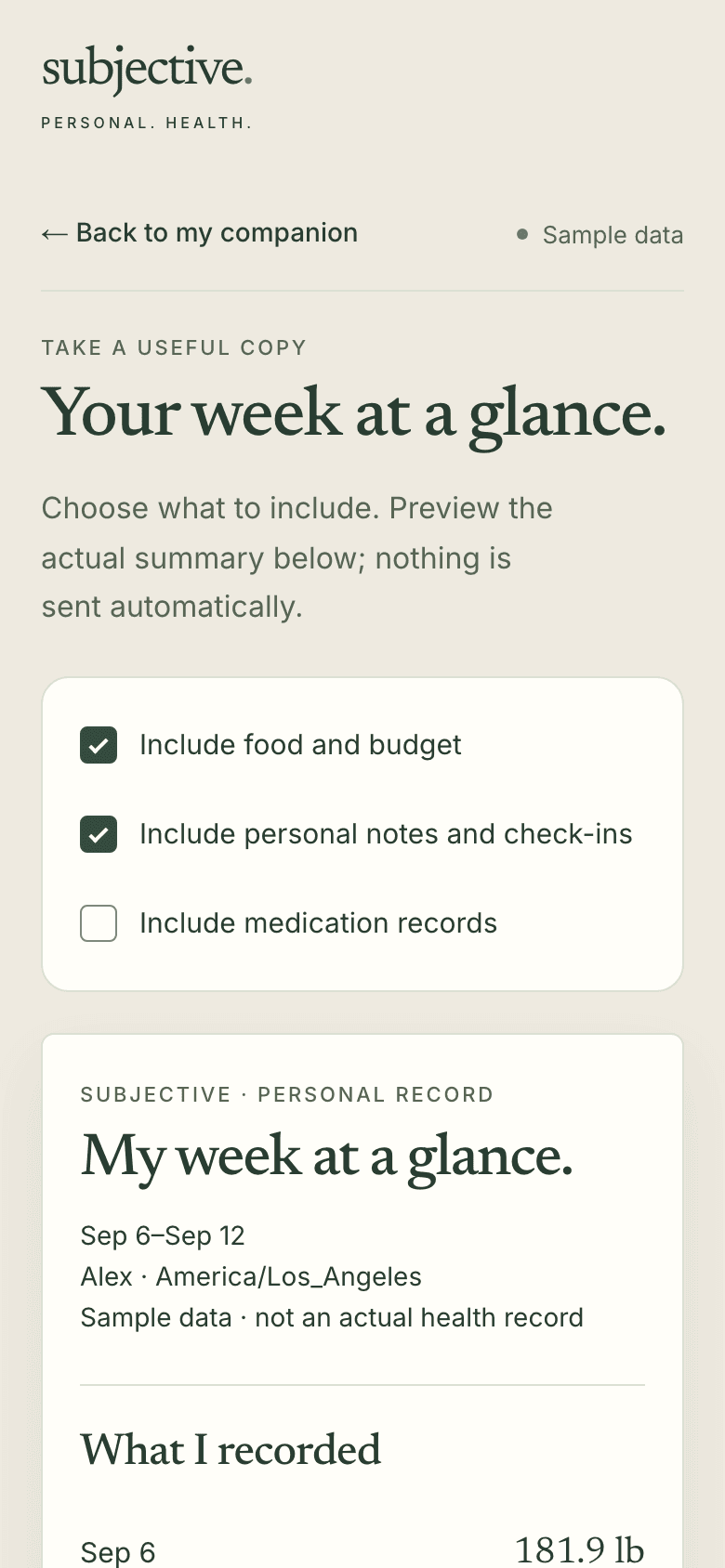
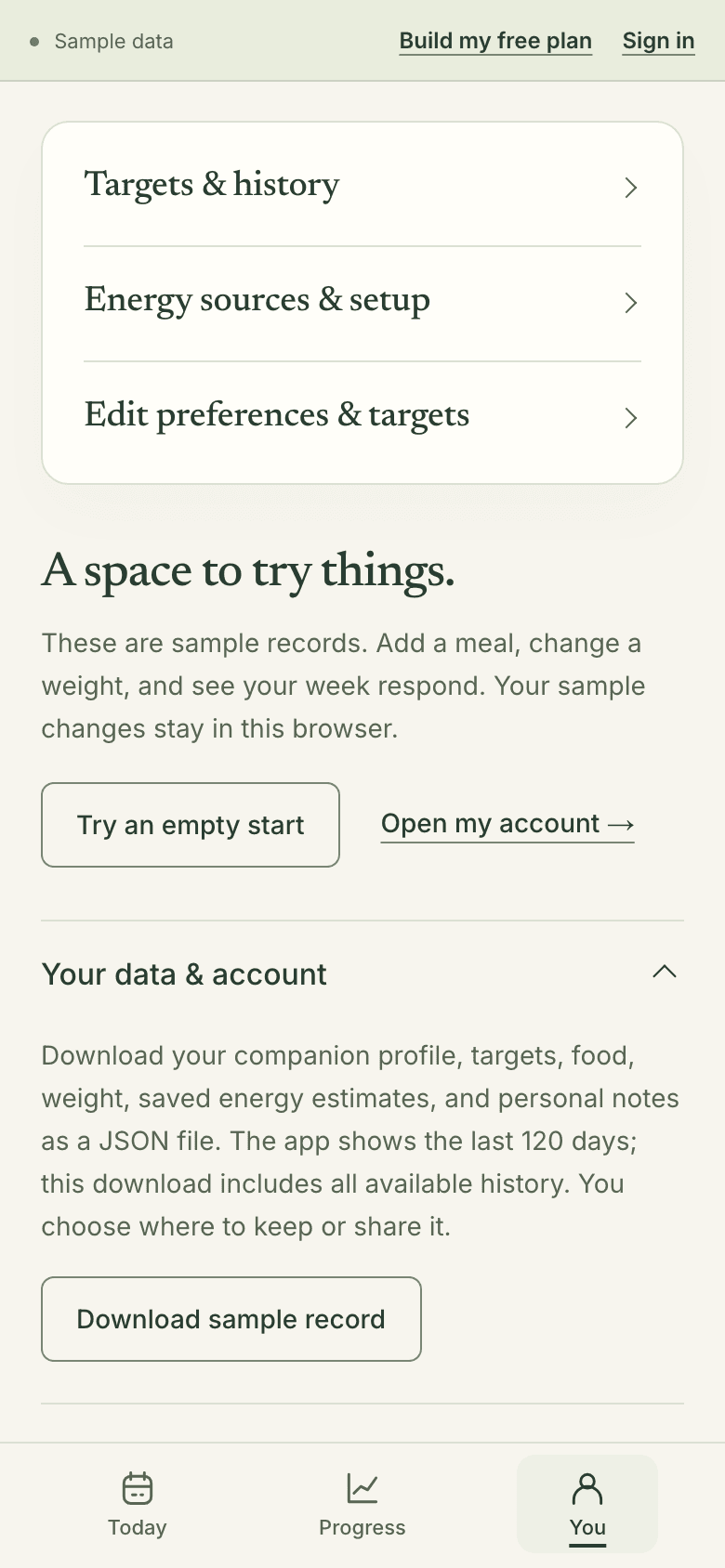
Real screens · sample data, not from a real person
Pause or delete.
- Pause anytime: withdraw permission in You → Your data & account. The app stops new health-data requests and keeps what you’ve saved.
Data already sent to a provider cannot be recalled by this choice.
- Delete your account in You → Your data & account.
This permanently deletes your shared account and its health records from Subjective and Centurion, including meals, weight and notes. It cannot be undone.
Health data gets its own notice.Health data notice